
01 / the search
She wandered off.
The camera went looking.
Out of view for a while? The camera sweeps the room on its own. The sweep starts where the lens already points, so the motor doesn't swing around for nothing, and stops the moment she's back in frame. Or tap Find. This search took 12 seconds.
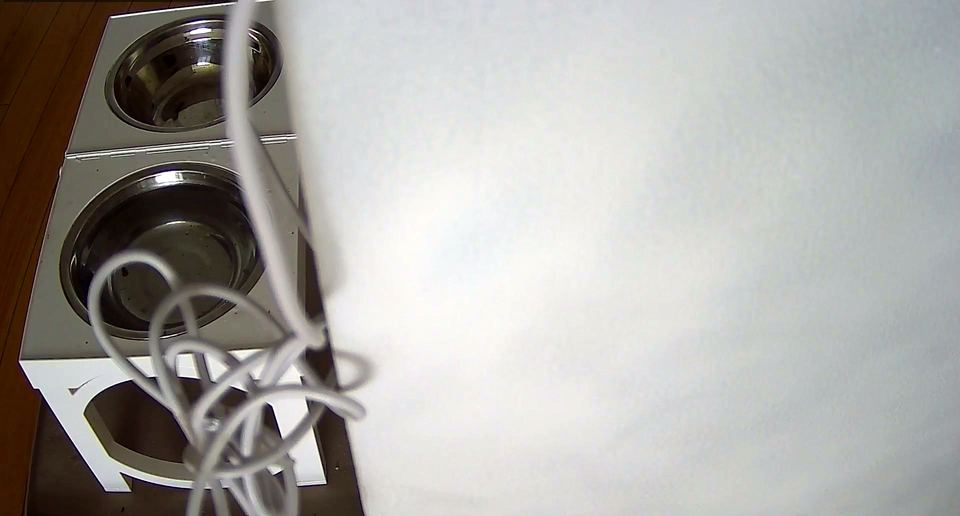
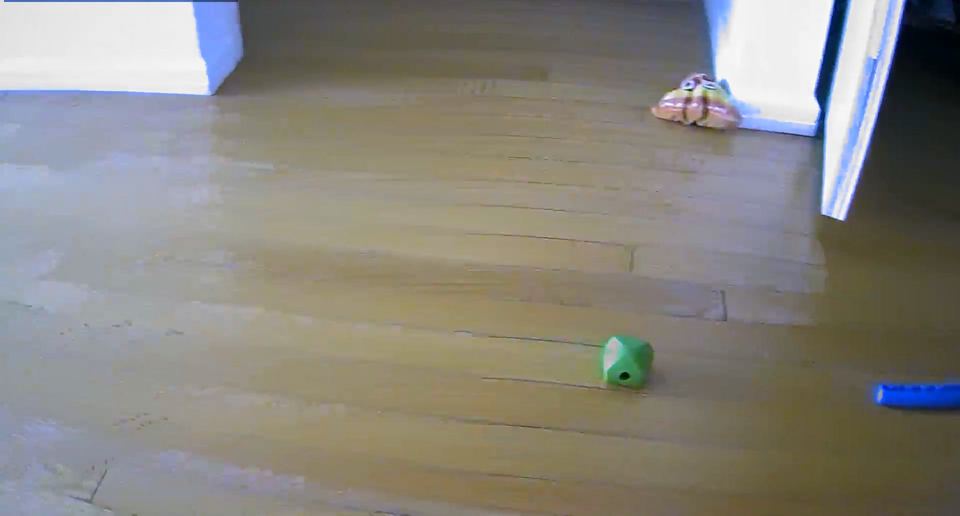
- found her · 12 s


02 / the toy problem
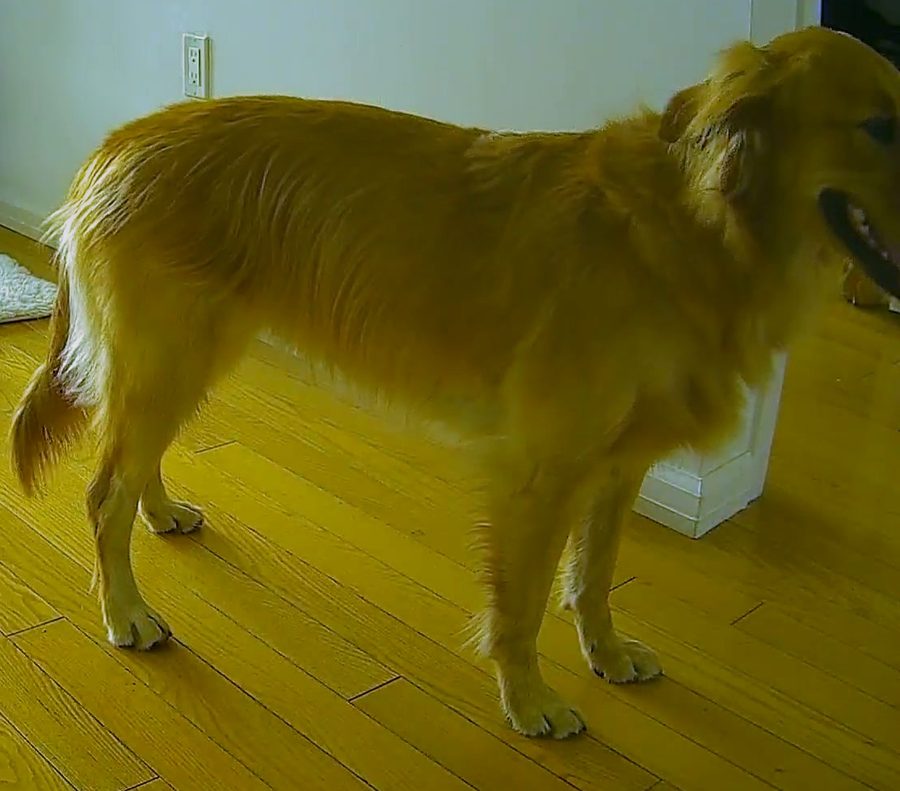
Dog-shaped isn't the same as your dog.
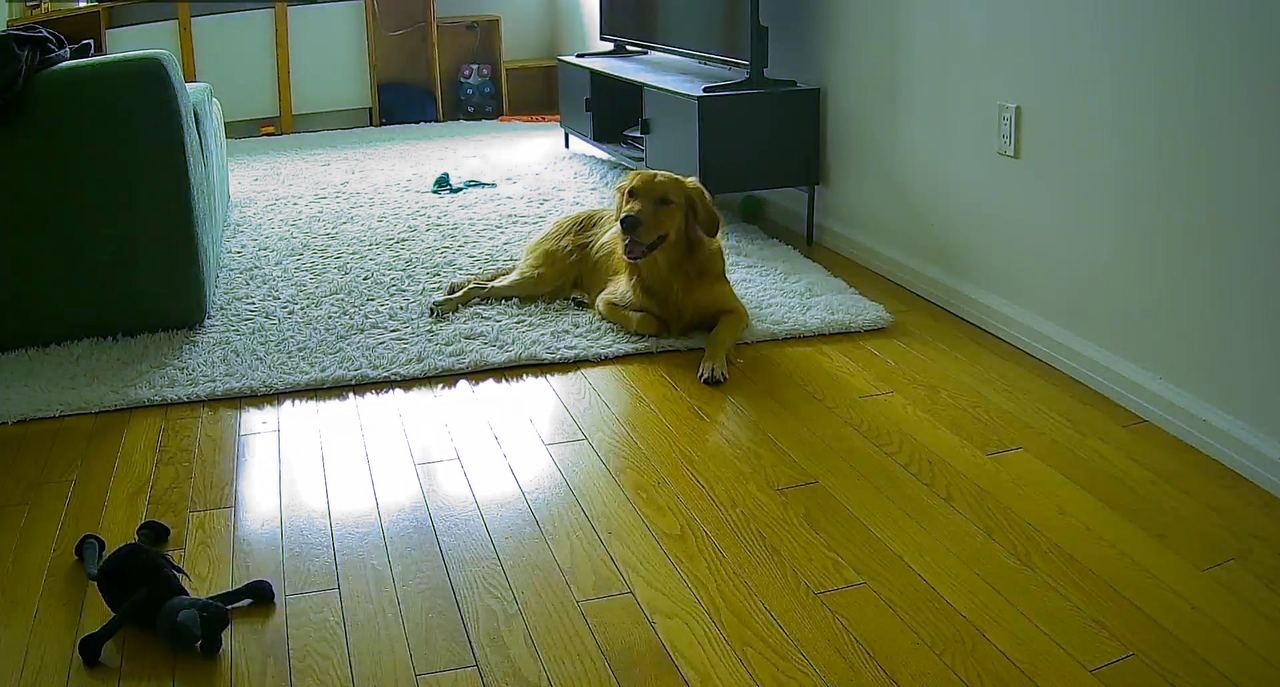
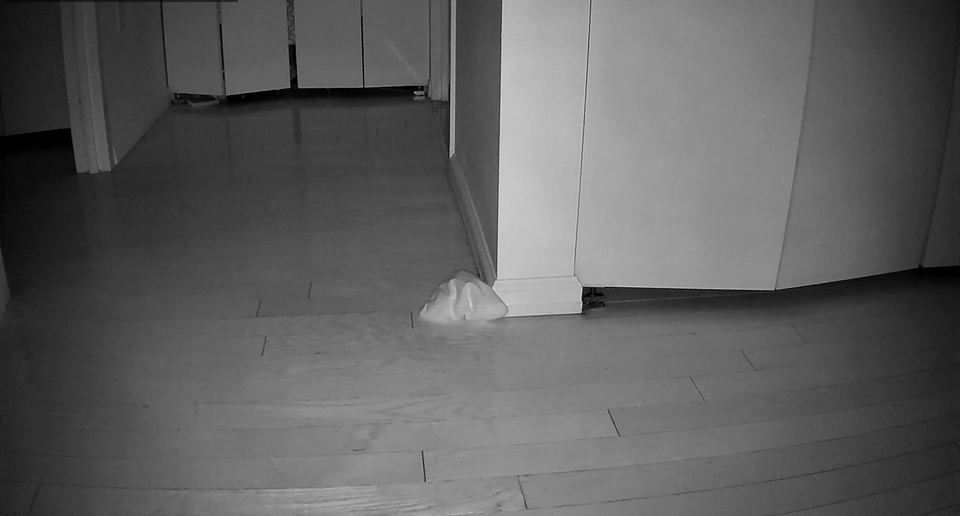
A small detector flags anything that looks like a dog. Then a second model, trained on pictures from your camera, decides whether that's actually her. Same frame, two answers. Plush toys don't set off the search, and they don't get counted in her day.
03 / running costs
- $5
- a month for the server. That's the whole bill.
- 5%
- of one CPU core, on a 512 MB machine.
- 6h
- of rolling video, kept on your server.
- 0
- ports opened at home. The camera dials out over WireGuard.
04 / her day
Her whole day,
minus the boring parts.
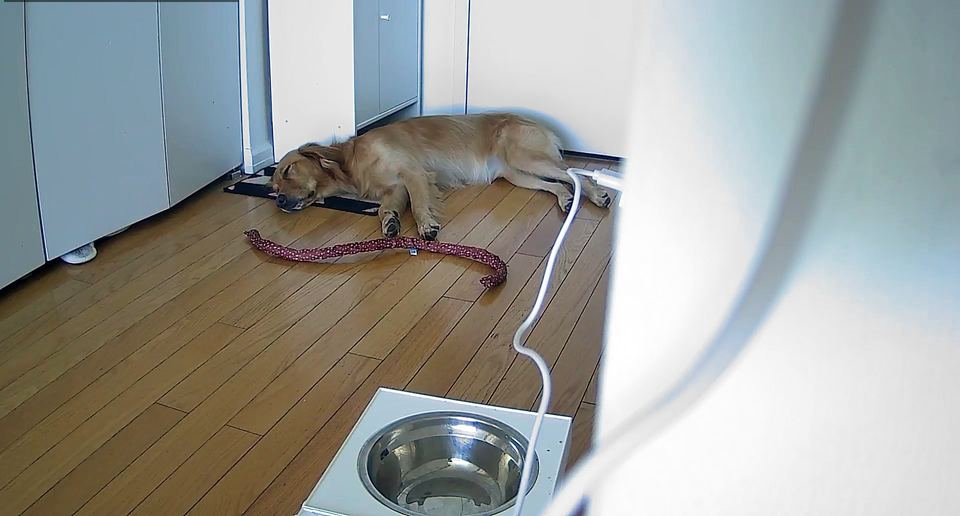
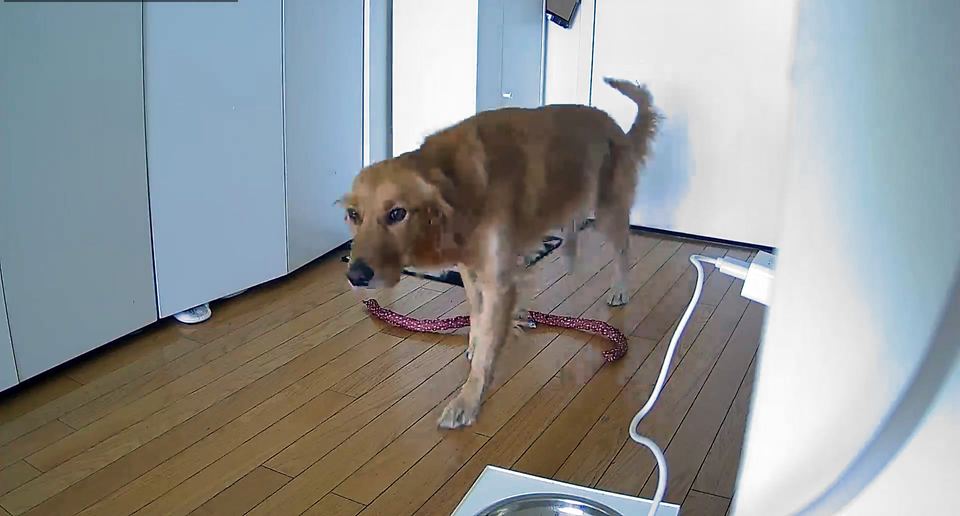
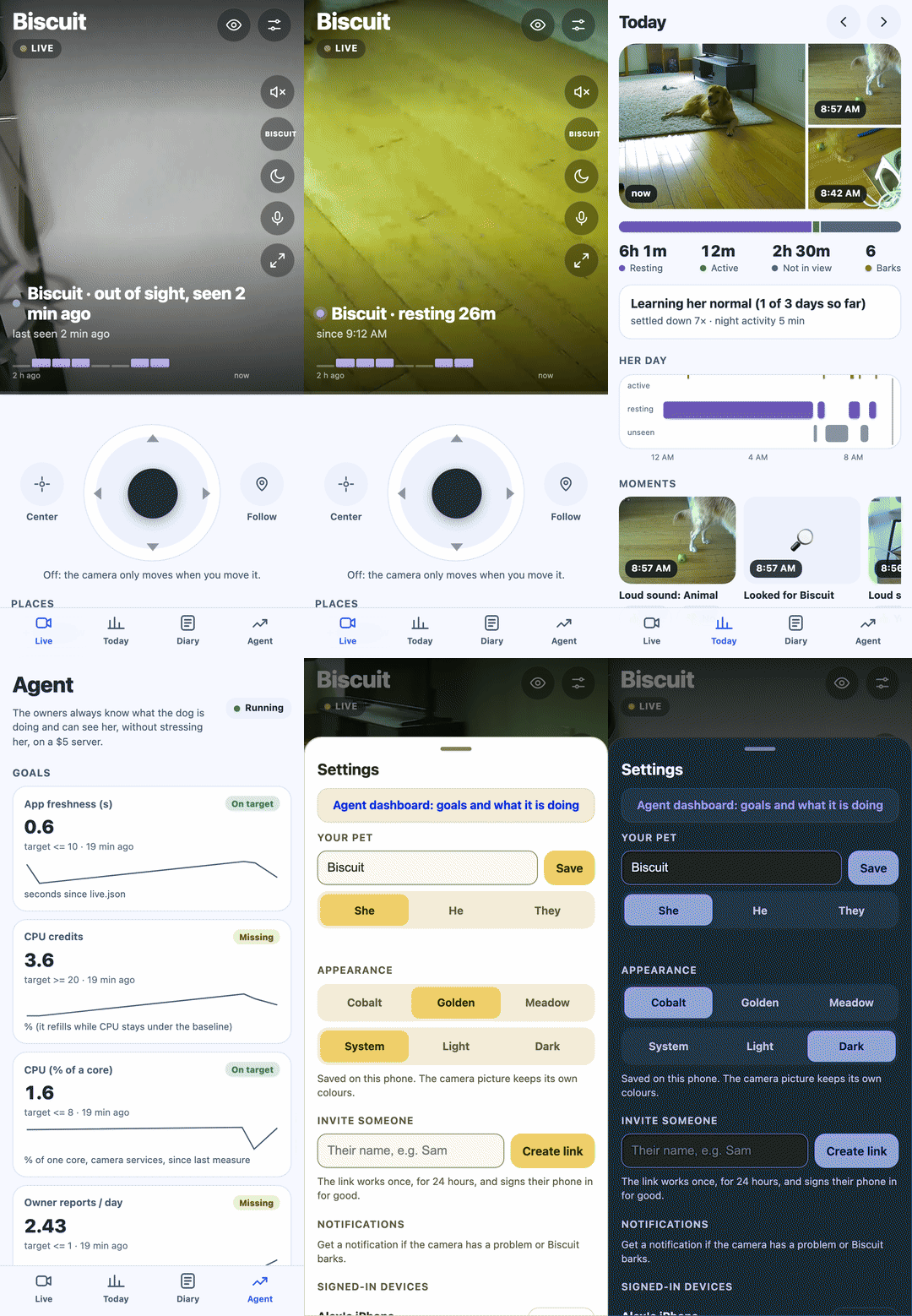
Today lists the moments she was in view, her naps, when she was up and about, and every bark. The Diary keeps two weeks, with a highlight reel each night. Your phone gets a ping when she barks or sounds upset, and when the camera goes offline or something blocks the view.
05 / when the camera gets something wrong
Report the mistake.
Get a fix by morning.
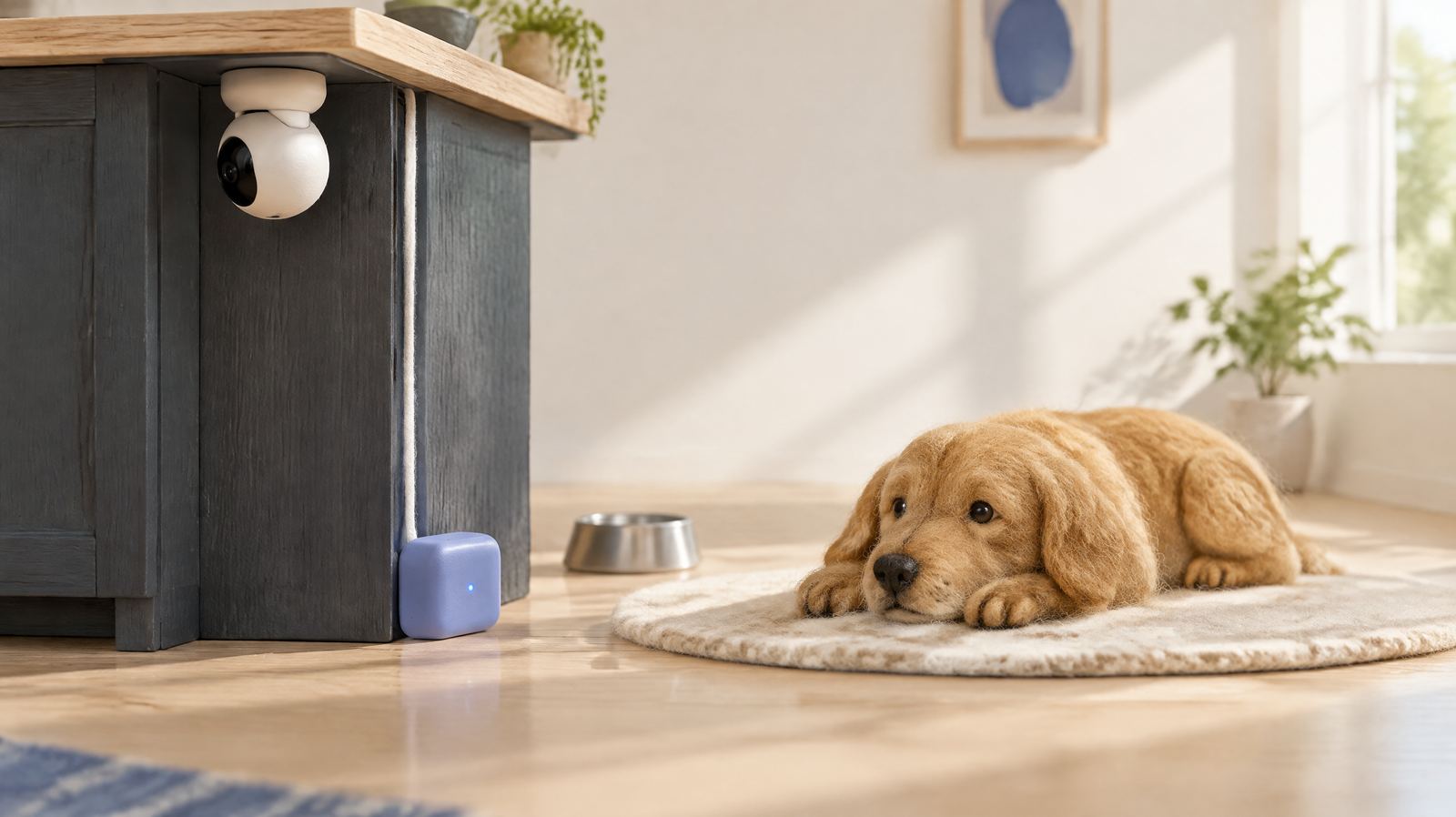
1. In the app, tap Something wrong? and describe what happened in plain words: "the camera moved but didn't say why."
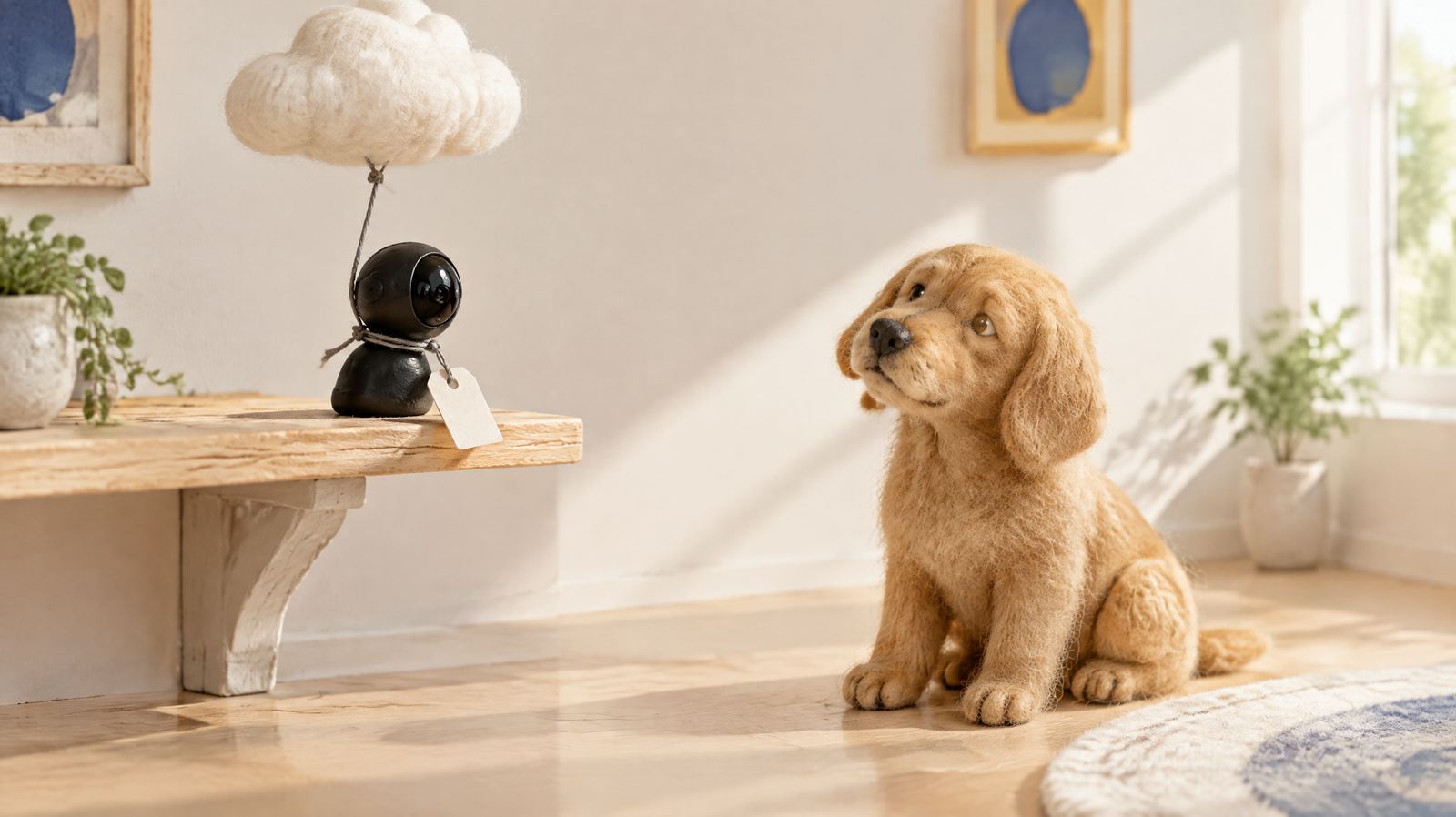
2. An optional agent on your computer reads the report and the video from that moment, then writes a fix and a test. The fix ships only if checks the agent can't edit all pass, and the agent replies to you in the app.

3. A fix that has run well on your camera goes upstream as a pull request. Once that fix is in a release, every OpenPetCam installs the update overnight.
Felt scenes are illustrations. The agent runs with Claude Code. The camera, app and alerts don't need the agent.
06 / one minute
07 / setup
One evening, one camera, one command.
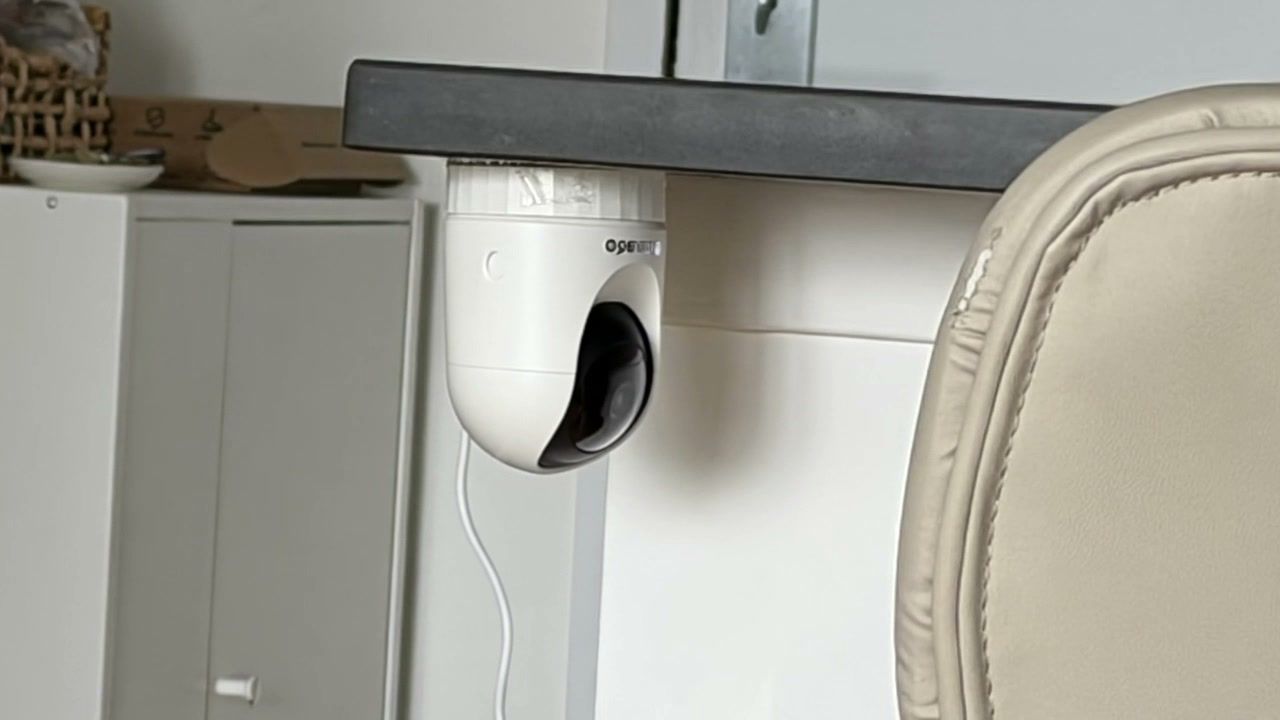
- A pan/tilt camera that runs Thingino, the open firmware. We use a Cinnado D1.
- A small server with Ubuntu 24.04 and a public IP. An AWS Lightsail nano is plenty.
- A Mac or Linux laptop for the installer. No coding, but you'll type in a terminal.
git clone https://github.com/crimeacs/OpenPetCam.git
cd OpenPetCam
./setup
./setup asks for the server and its SSH key, installs everything, and tells you exactly what to type into
the camera's WireGuard page. Then open the address on your phone and choose Add to Home Screen.
The server installs new releases every night and rolls back if an update goes wrong.
Step by step: the Thingino guide.
08 / also in there
- Live video with sound
- Bark and distress-sound alerts
- Camera offline, view blocked
- Infrared at night
- Nightly highlight reel
- Timelapse
- Family invites by one-time link
- Privacy switch: picture and mic off
- Nightly updates, auto rollback
- Three themes, light and dark
- Your pet's name, set in the app
- Agent dashboard with goals
09 / questions
Is there a pet camera without a subscription?
Yes, this one. The software is free and open source. You pay for a small server you own (an AWS Lightsail nano is about $5 a month) and a Thingino-compatible camera, once.
Which cameras work?
Pan/tilt Wi-Fi cameras supported by Thingino. Ours is a Cinnado D1 (Ingenic T23N). Other models may need their pan and tilt calibrated once with tools/calibrate.py. See the Thingino guide.
iPhone or Android?
Both. Open the address in Safari or Chrome and choose Add to Home Screen. The app then runs full screen and sends notifications, with no App Store step.
How does the camera tell my dog from a toy?
A small detector (YOLOX-nano) proposes anything dog-like. A second model, trained on pictures from your own camera, decides whether that's your pet. On our camera the verifier gave the plush toy 0.00 and the dog 0.99 in the same frame.
Who can see my video?
You, and the people you invite. Video goes from the camera to your server over WireGuard and nowhere else. One tap turns off the picture and the microphone. This website uses anonymous, cookieless analytics.
What about cats?
So far OpenPetCam is built and tested on a dog. Cats need different classes in the detector and sound model. If you have a cat and some patience, that's a great first contribution.
Do I need the agent?
No. The camera, app and alerts work on their own. The agent is optional, runs on your computer with Claude Code, and turns your reports into tested fixes.
Bring your dog.
OpenPetCam gets better every time someone tells us what their pet did that the camera got wrong. You don't need a camera or code to help.